
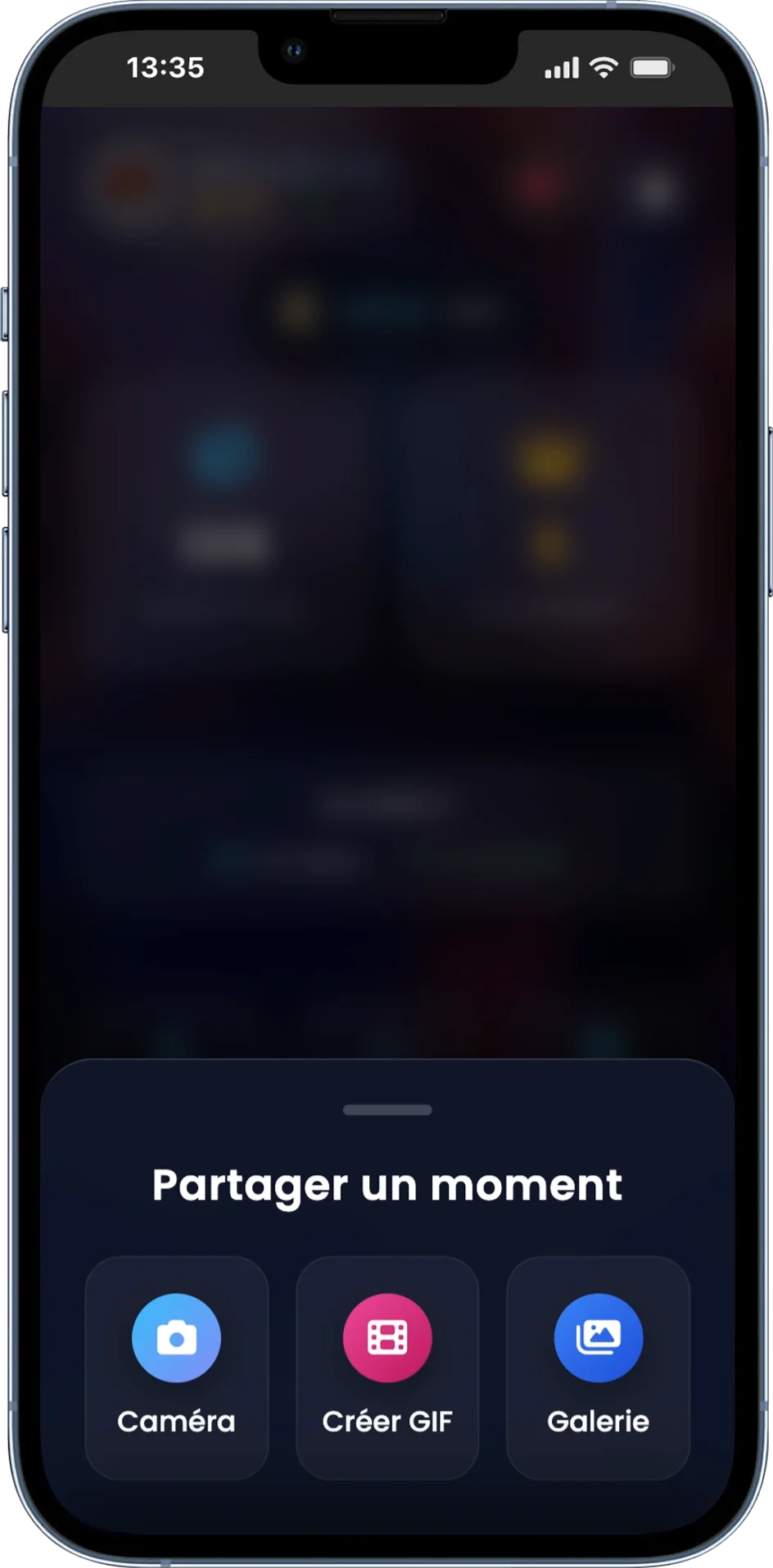
Share a Moment
When the guest clicks on the big central blue button, this menu appears to let them choose the format.
Sending options
- Camera: Take a photo directly from the smartphone (with tools + AI analysis depending on the option).
- Video : Capture a short video and send it to the slideshow (if the option is available on your instance).
- Create GIF: Quick photobooth: guided burst then creation of a GIF.
- Gallery: Import one or more photos already in the camera roll.
- Dynamic options: the organizer can activate/deactivate certain modules (eg: GIF, gallery), so the menu may vary.