
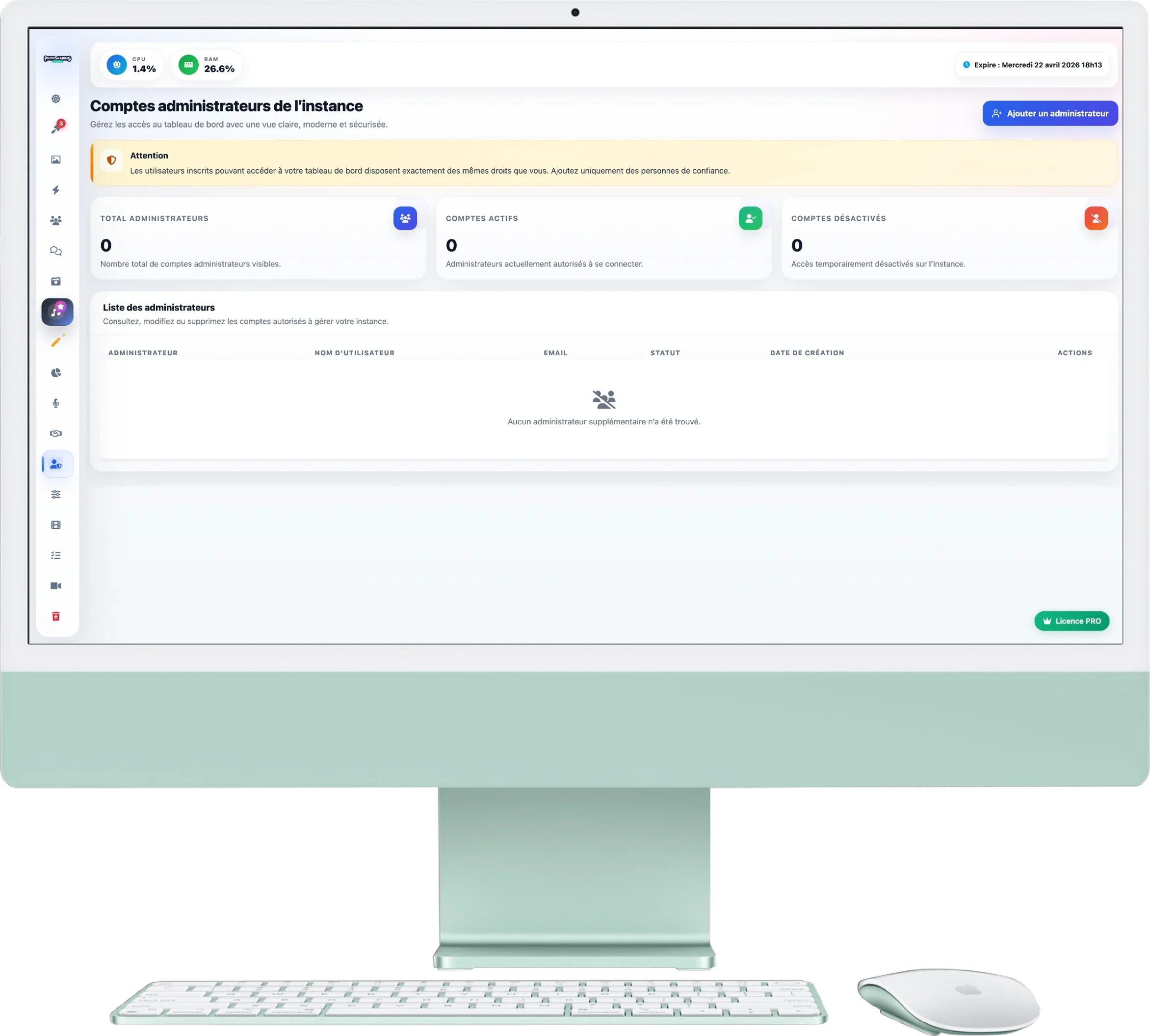
Administrator accounts
Need help managing your event? This page allows you to add collaborators (co-organizers, moderators, presenters) so that they can access the dashboard with their own identifiers.
1. Safety Warning
The yellow insert at the top of the page reminds you of a golden rule:
- Any users you add here will have exactly the same rights only on the instance.
- They will be able to activate/deactivate modules, delete photos and spend your credits. Only add people you trust!
2. Add a collaborator
To create a new access:
- Click the blue button Add an administrator located at the top right.
- Enter their information (Name, Email, Password). He will then be able to connect to the panel with these identifiers to support you during the event.
3. Managing your Team
The central table lists all accounts with access to administration:
- Overview: The 3 counters at the top summarize the total number of administrators, those who are active, and those who are deactivated.
- Edit () : Allows you to correct a collaborator's information, change their password or temporarily deactivate their account without deleting it.
- Delete () : Permanently removes user access to the dashboard (ideal at the end of the event).