A large welcome screen can set the mood, but a participatory display can also help guests create the event experience together. If you are considering a PartyFrame alternative, PhotoSharing combines QR code contributions, a live slideshow, organizer controls and a gallery without requiring guests to download an app.
If you are looking for a PartyFrame alternative, the most useful question is not which service has the longest feature list. It is whether the experience fits your venue, your guests and the way you want to manage photos during and after the event. PhotoSharing may be an option if you want guests to scan a QR Code, contribute photos, videos, GIFs or messages from their phones, and see approved content animate a TV, projector or large event screen in real time—without downloading an application.
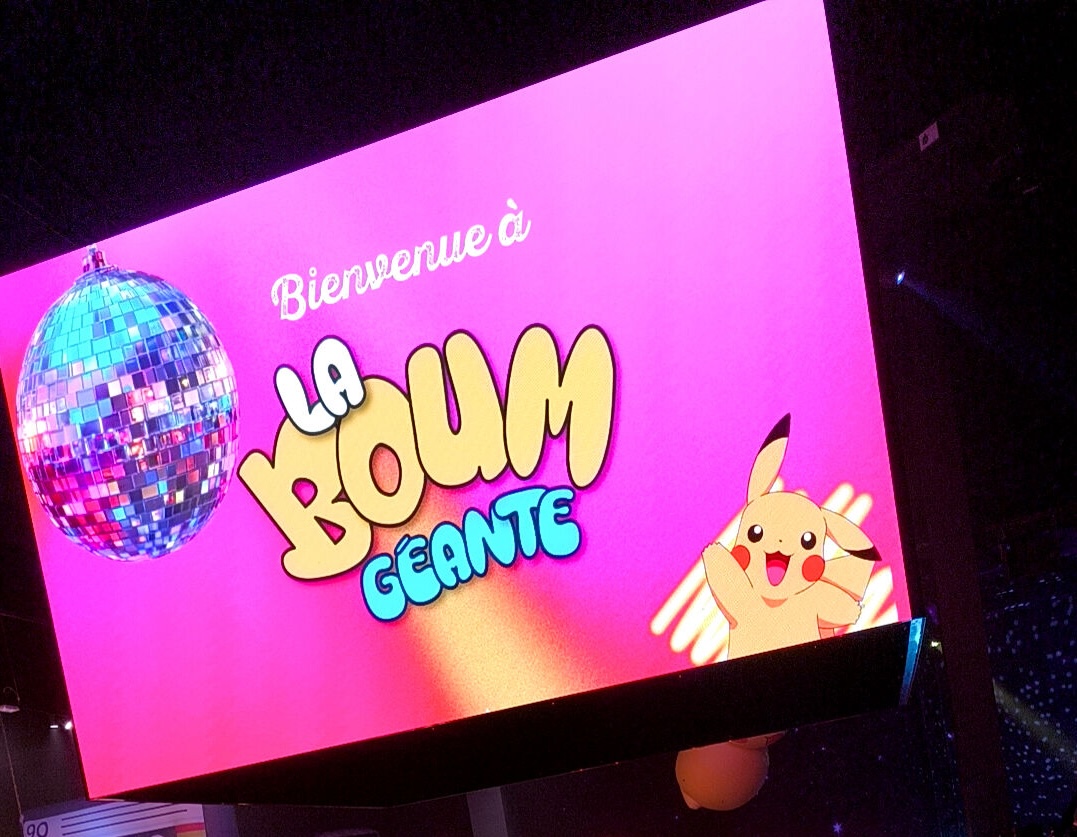
The bright welcome display pictured above captures the collective role an event screen can play in a dark indoor venue. It does not show a live photo wall, but it offers a helpful starting point: the same prominent screen used to welcome a room can become a shared, participatory part of the celebration.
Why consider PhotoSharing as a PartyFrame alternative?
PartyFrame publicly presents its service around a collaborative photo album and a live event slideshow. That approach may suit organizers who want a straightforward way to collect and display guest photos. PhotoSharing addresses the same broad event need while extending the experience toward interactive participation, organizer control and optional entertainment modules.
Guests join PhotoSharing through a QR Code or link and participate from their browser. The organizer can supervise the event through a dashboard, manage modules and control what reaches the public display. This makes the service relevant to weddings and birthdays, as well as private parties, DJ nights and professional events.
This is not a claim that one platform is universally preferable. The right choice depends on whether you primarily need an album, a live slideshow, active moderation, audience interaction or a combination of these elements.
From a welcome screen to a participatory display
A large screen already attracts attention. In the hero image, a vivid pink welcome graphic provides a festive focal point in an otherwise dark room. During an event, PhotoSharing can use that same type of visual equipment—a television, projector or large screen—to show a live slideshow and encourage the room to participate.
The practical difference is that the display does not have to remain static. Guests can send content from their smartphones, while reactions, comments, chat, points or animations can be enabled according to the event configuration. The screen becomes a shared experience rather than simply a decorative backdrop.
Organizers still retain control. Content can be validated, removed, rotated or moderated before public display when the relevant settings are enabled. That distinction is particularly important when the screen is highly visible or accessible to a mixed audience.
How to choose a PartyFrame alternative
Begin with the experience you want to create rather than comparing isolated options. These five criteria will help you make a practical decision:
- Guest access: check whether people must install an app, create an account or follow several instructions. With PhotoSharing, guests can scan a QR Code and join from their browser without an application download. Access can be configured according to the organizer’s settings.
- Live display: decide whether you only want to collect memories or also want them to appear during the event. PhotoSharing supports a live slideshow on a TV, projector or large screen.
- Organizer control: for a public-facing display, look for a dashboard, module controls and moderation. PhotoSharing lets the organizer supervise participation and manage content before or during diffusion, according to the formula and configuration.
- After-event access: consider who should see the album and how files will be recovered. PhotoSharing can provide access to original HD files, the complete gallery, an online album and a souvenir video according to the formula and configuration.
- Type of event: a one-off birthday does not require the same setup as recurring DJ nights or a branded corporate event. Choose a plan and interface that reflect your actual frequency and control requirements.
Practical tip: test the full journey before the event. Open the slideshow on the intended screen, scan the QR Code with a phone, upload a few test files and check the venue network. A stable Wi-Fi or mobile connection is important when many guests are sending media.
How PhotoSharing works in four steps
- Prepare the event. The organizer receives an isolated PhotoSharing instance, opens the dashboard and configures the slideshow, QR Code, access rules and relevant modules.
- Display the invitation to participate. Place the QR Code on the event screen, printed signage or tables. A welcome screen can first establish the atmosphere, then explain how guests can join.
- Let guests contribute. Participants scan the code and use their mobile browser to send photos, videos, GIFs or messages. No app download is required.
- Animate and recover. Approved content appears in the slideshow and gallery. After the event, the organizer can manage downloads and available souvenir formats according to the selected formula and configuration.
This journey keeps the instructions simple for guests while giving the organizer a central place to supervise the experience. For a more detailed explanation of access, QR Codes, slideshow settings and media recovery, visit the PhotoSharing help centre.
What the organizer gains before, during and after the event
Before: a setup that can be tested
PhotoSharing offers a free €0 demo without a payment method. An isolated demo instance is generally delivered automatically within 1 to 2 minutes, allowing you to test the dashboard, QR Code, guest upload journey, slideshow and settings. The demo is temporary, so test media should not be treated as permanent storage.
During: a visible experience with controls
The dashboard can be used to activate or deactivate modules, monitor activity and manage submitted content. Depending on the formula and configuration, the organizer can validate, delete, rotate or moderate media before it reaches the screen. This is useful when the display is a major visual element in the room.
After: memories in one place
Guest contributions remain centralized in the gallery. Original HD files, the complete gallery, an online album and a souvenir video may be recovered according to the formula and configuration, helping the organizer move from live entertainment to a lasting collection.
Three useful additions beyond a basic slideshow
1. A dedicated online album
The PhotoSharing album can be adapted to a wedding, birthday or company event. The organizer chooses its visibility: it can be public or protected by a password, then shared through a link or QR Code. Guests can download individual images, while the full album can also be recovered when available in the selected setup.
2. A connected photobooth without a complex booth
A tablet placed on a support can become a self-service photo station. Guests can take individual pictures or create a four-pose animation, with filters or AI retouching available depending on the configuration. Validated results can then join the live slideshow. This provides a fixed photo point without requiring a conventional enclosed booth.
3. Optional music and party interaction
For a party, DJ setting, bar or club, PhotoSharing can go beyond photo uploads with modules such as a collaborative jukebox, DJ requests, karaoke and Blind Test. Points, challenges, reactions and Wizz effects can also encourage participation when enabled. These modules are optional, so the event can remain a simple photo experience when that is more appropriate.
Which PhotoSharing formula fits your event?
The commercial model should match how often you organize events and how much control you need. The available 2026 formulas include:
- Private Event — €20, one-time payment: intended for a wedding or birthday. It includes live photos, videos and GIFs, a large-screen slideshow and QR Code, interactions, chat and ranking, recovery of HD originals, an online album and a souvenir video.
- Standard — €19.80 per month: designed for keeping an instance active and resetting it between recurring events. It includes unlimited guest connections and submissions, a complete dashboard, modules that can be activated as needed, and resets while the instance remains active.
- Pro — €39.60 per month: suited to brand identity, moderation and collaboration. It includes custom logo, background and copyright, manual moderation and reinforced registration, 30-day statistics with AI, karaoke, DJ requests, advertising video, an SSL subdomain, collaborators and an extended album.
Some options may depend on credits or configuration. Review the current details on the PhotoSharing subscription page, especially if your event needs advanced moderation, personalization or several organizers.
A practical option to test without pressure
PartyFrame may remain appropriate if its public focus on collaborative albums and live slideshows matches your plans. If you also want browser-based QR Code participation, organizer controls, optional moderation and a screen that supports more interactive entertainment, PhotoSharing may be a suitable alternative.
Create a free €0 PhotoSharing demo without providing a payment method and test the real guest-to-screen journey. If your format involves a public event, unusual infrastructure or specific volume requirements, contact PhotoSharing to discuss the intended setup.
Frequently asked questions
Is PhotoSharing an exact replacement for PartyFrame?
Not necessarily. PartyFrame publicly emphasizes a collaborative event album and live slideshow. PhotoSharing covers those broad uses while also offering organizer controls and optional interactive modules. Compare the guest journey, moderation needs, gallery access and event frequency before choosing.
Do guests need to download an app?
No. Guests access PhotoSharing through a QR Code or link and participate from their mobile browser. The exact joining path can vary according to the organizer’s access settings.
Can photos be moderated before appearing on the large screen?
Yes. PhotoSharing provides organizer controls for validating and managing content. Manual or intelligent moderation and related controls depend on the formula and configuration selected.
Can I use PhotoSharing for only one wedding or birthday?
Yes. The Private Event formula costs €20 as a one-time payment and is intended for a wedding or birthday. A free €0 demo without a payment method is available so you can test the workflow first.
FAQ
Is PhotoSharing an exact replacement for PartyFrame?
Not necessarily. PartyFrame publicly focuses on a collaborative event album and live slideshow, while PhotoSharing also provides organizer controls and optional interactive modules. The right choice depends on your guest journey, moderation and gallery requirements.
Do guests need to download an app?
No. Guests scan a QR Code or open a link and participate from their mobile browser. Access can be adjusted through the organizer’s settings.
Can photos be moderated before appearing on the large screen?
Yes. PhotoSharing provides controls for validating and managing submitted content. Manual or intelligent moderation depends on the selected formula and configuration.
Can I use PhotoSharing for only one wedding or birthday?
Yes. The Private Event formula is €20 as a one-time payment. You can first request a free €0 demo without providing a payment method.
Create an event
Un QR Code, des invités qui participent, et un diaporama qui donne vie à votre événement en direct.