A lively event becomes more participative when guests can share spontaneous photos and see the screen change throughout the evening. PhotoSharing can be a Fotify alternative for organizers who want QR access, a live slideshow, moderation and a gallery without requiring guests to install an app.
If you are looking for a Fotify alternative, begin with the experience you want inside the venue: guests scan a QR Code, contribute from their phones and watch a shared screen come alive. PhotoSharing follows that simple flow while adding organizer controls, an online gallery and optional event animations. Fotify may remain a suitable choice when its combination of photo sharing and digital RSVP invitations matches your priorities.
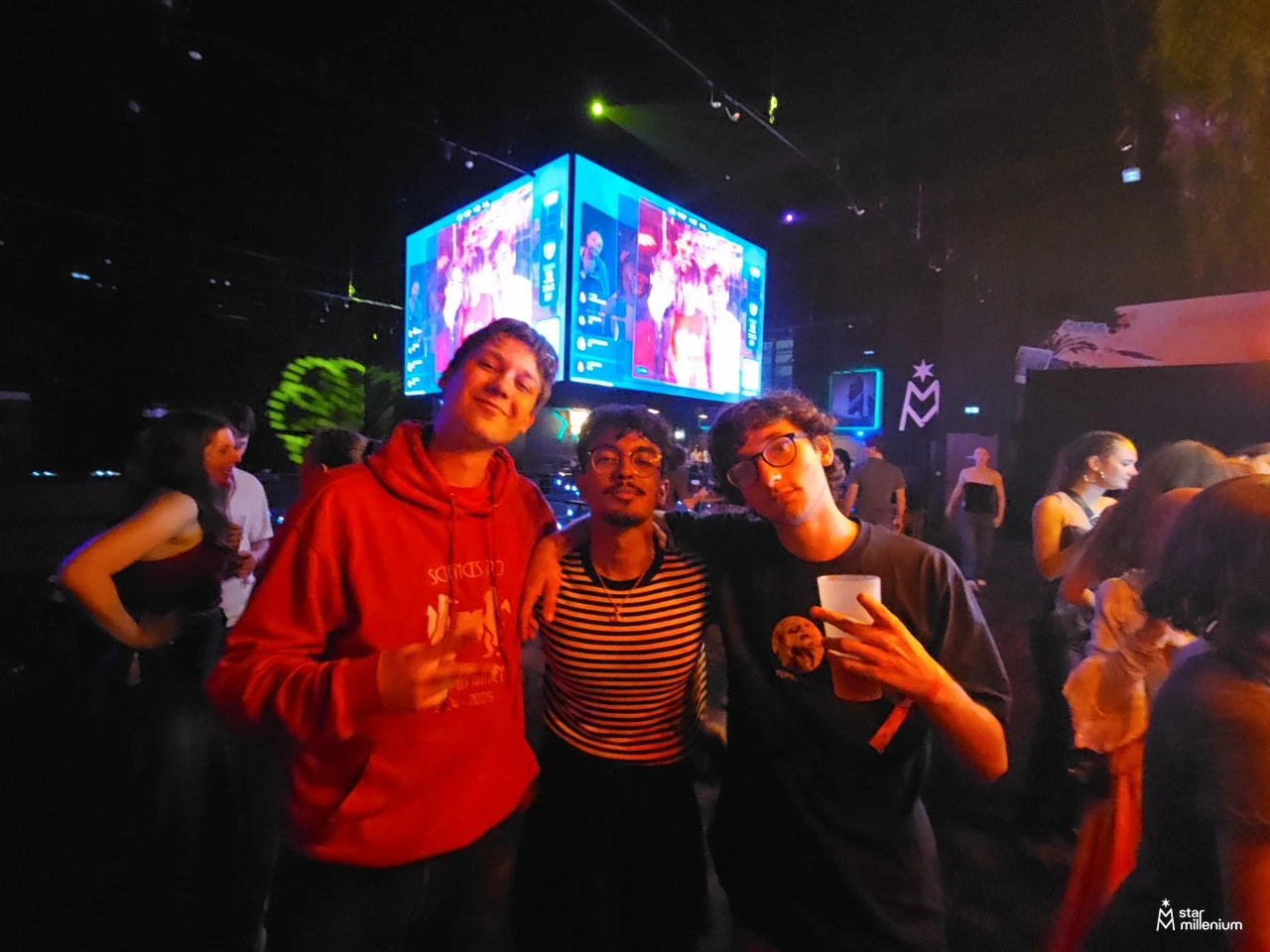
The scene above captures the practical purpose of this kind of platform. Three people pose together while colorful suspended screens illuminate a busy indoor event space. The image does not identify a particular event or service, but it illustrates the real challenge: turning spontaneous moments from around the room into content that can be shared with everyone while the gathering is still happening.
What to expect when comparing Fotify alternatives
According to its public presentation, Fotify combines QR-based guest uploads, a moderated real-time photo wall, digital invitations with RSVP tracking, bulk photo downloads and AI-assisted moderation. Guests can contribute through a browser without downloading an application. Those capabilities make it relevant for organizers seeking one place for invitations and live photo collection.
A useful comparison should therefore go beyond asking whether two services can display photos. Consider the complete journey:
- How quickly can a guest participate after seeing the QR Code?
- Can the organizer review content before it reaches a public screen?
- Does the screen simply show photos, or should it encourage reactions and other interactions?
- How will the organizer retrieve and share the collected memories afterward?
- Do invitations and RSVP management need to be part of the same product?
There is no universal answer. The right platform depends on whether your event is primarily an invitation workflow, a live visual experience, a collaborative album or a combination of these needs.
How PhotoSharing turns a screen into a shared experience
PhotoSharing is designed around a direct event-night journey. The organizer displays a QR Code or link, guests join from their mobile browser and send photos, videos, GIFs or messages according to the enabled configuration. The approved content can then appear in a live slideshow on a TV, projector or large event screen.
This matters in a festive room like the one suggested by the hero image. People may be posing near the screen, talking elsewhere in the venue or capturing moments from different viewpoints. Instead of leaving those images scattered across individual phones, the slideshow gives the room a shared visual focus and encourages further participation.
The organizer retains control from a dashboard. Available actions include activating or disabling modules, monitoring participation, validating or deleting media, rotating images and moderating content before display. Chat, comments, reactions, Wizz messages, points and rankings can also make the screen more interactive when they suit the atmosphere.
How to choose a Fotify alternative
Compare the platforms against your actual event plan rather than selecting from the longest feature list. The following overview uses only the publicly described capabilities of Fotify and PhotoSharing; it is not a claim that either approach is universally preferable.
Practical advice
If integrated invitations and RSVP tracking are central to your planning, Fotify may fit that workflow. If the priority is to animate a large screen with guest media, reactions, optional games and a configurable souvenir album, PhotoSharing is an option worth testing. Also consider the venue network, the person responsible for moderation and where the QR Code will be visible.
A simple four-step workflow for the event
Prepare the screen
Open the PhotoSharing slideshow on a TV, projector or large display. Use a dedicated full-screen browser tab and test the venue connection before guests arrive.
Make the QR Code easy to find
Display it on the main screen and on printed material where appropriate. Guests can scan it and enter through their phone browser without installing an application.
Let guests create the content
Participants take a photo or select one from their gallery, then send it to the event space. Videos, GIFs, messages and interactive modules can be available depending on the chosen configuration.
Control the display and recover the memories
The organizer can review media before publication when moderation is active. After the event, collected content can be retrieved and shared through the available gallery, album and download options.
This sequence keeps the technology in the background. Guests focus on posing, taking pictures and enjoying the event, while the organizer maintains a coherent public display.
Which PhotoSharing plan fits your use?
The published 2026 options distinguish a one-off private event from recurring or branded use. Some modules and options may depend on credits or configuration, so review the current details before activation.
Private Event: 20 EUR, one-time payment
This plan is intended for a single wedding or birthday. It includes live photos, videos and GIFs, a large-screen slideshow with QR Code, interactions, chat and ranking, as well as retrieval of original HD files, an online album and a souvenir video. It is the most direct fit when you need one dedicated instance for one private celebration.
Standard: 19.80 EUR per month
Standard is designed for keeping an instance active and resetting it between several events. It includes unlimited guest submissions and connections, a complete dashboard and modules that can be activated according to need. Resetting remains available while the instance is active, making this approach relevant for recurring event activity.
Pro: 39.60 EUR per month
Pro is intended for organizations that need stronger branding, moderation and collaboration. Its listed capabilities include custom logo, background and copyright, manual moderation, reinforced registration, 30-day statistics with AI, karaoke, DJ requests, advertising video, SSL subdomain, collaborators and an extended album.
Review the PhotoSharing plans and conditions
Three useful extensions beyond a basic photo wall
1. A configurable online album
The organizer chooses whether the album is public or protected by a password. It can be shared through a link or QR Code, and downloads can be offered individually or for the complete album. This gives the event a useful afterlife without forcing every memory to remain on the public slideshow.
2. A connected photo booth using a tablet
A tablet and support can become a self-service photo station without a complex booth installation. Guests can take individual pictures or create a four-pose animation. Filters and AI editing are available according to the configuration, and approved results can join the large-screen slideshow.
3. Participation that goes beyond uploading
For parties and DJ-led events, optional tools such as collaborative jukebox requests, DJ requests, karaoke, Blind Test, challenges, points and rankings can complement the photo experience. These modules should be enabled only when they support the tone of the gathering rather than distract from it.
Try the event journey before committing
PhotoSharing offers a free demo at 0 EUR without a payment method. An isolated instance is generally prepared automatically in one to two minutes, with the access link delivered by email and an SMS indicating availability.
Use the demo to open the dashboard, customize the QR Code, upload test photos from a phone, check the slideshow and review moderation settings. The demo is temporary, so test media is removed when it expires. For setup details, consult the PhotoSharing help centre.
See how it works on your own screen
Run a realistic test with one phone and the screen you plan to use. If you need help assessing a particular venue or event format, contact PhotoSharing before choosing a plan.
Frequently asked questions
Is PhotoSharing an exact replacement for Fotify?
No. The services overlap around QR uploads, live displays and moderation, but their public positioning is not identical. Fotify includes digital invitations and RSVP tracking, while PhotoSharing emphasizes a participative slideshow, optional animations, organizer controls and a configurable souvenir album.
Do guests need to install an app?
No. Guests scan a QR Code or open a link and participate through their mobile browser. The organizer should still test the venue network because large media files can take longer to upload on a saturated connection.
Can photos be reviewed before appearing on the screen?
Yes. PhotoSharing supports manual or intelligent moderation according to the settings and configuration. The organizer can validate, delete or rotate content and can block users when necessary before allowing media onto the public display.
Which plan should I choose for one event?
The Private Event plan costs 20 EUR as a one-time payment and is intended for one wedding or birthday. Standard at 19.80 EUR per month suits recurring events, while Pro at 39.60 EUR per month is aimed at branding, advanced moderation and collaboration needs.
FAQ
Is PhotoSharing an exact replacement for Fotify?
No. Both cover QR-based photo contributions and live event displays, but Fotify publicly includes digital invitations and RSVP tracking. PhotoSharing focuses on a participative slideshow, optional animations, organizer controls and a configurable souvenir album.
Do guests need to install an app?
No. Guests scan a QR Code or open a link and participate through their mobile browser. Testing the venue network remains advisable, especially when guests will upload large photos or videos.
Can photos be reviewed before appearing on the screen?
Yes. PhotoSharing offers manual or intelligent moderation according to the settings and configuration. The organizer can validate, delete or rotate media and block users when required.
Which PhotoSharing plan should I choose?
Private Event costs 20 EUR as a one-time payment for one wedding or birthday. Standard costs 19.80 EUR per month for recurring events and instance resets. Pro costs 39.60 EUR per month for branding, moderation and collaboration needs.
Create an event
Un QR Code, des invités qui participent, et un diaporama qui donne vie à votre événement en direct.