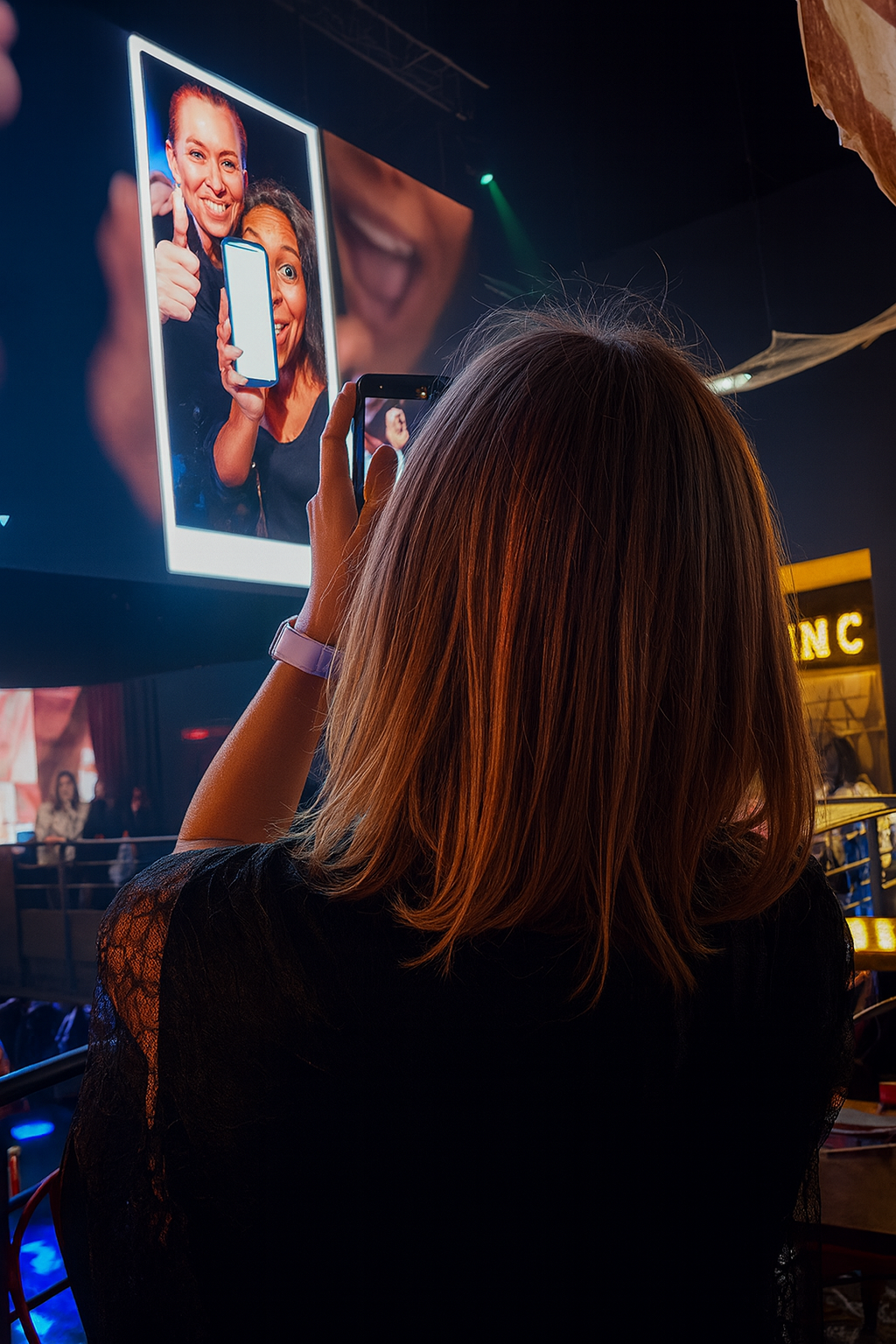
The hero scene shows why live photo walls attract attention: a person raises a smartphone toward a giant portrait screen in a dark multimedia space. This guide compares the practical criteria around SelfieWall and presents PhotoSharing as a QR-based option for live display, moderation and post-event memories.
If you are looking for an alternative to SelfieWall, you probably want a simple outcome: guests contribute from their phones, their photos appear on a large screen, and the organizer keeps control of what is shown. PhotoSharing can be an option when you also want QR Code access, participation without an app, an online gallery and configurable interactive modules.
The visual experience matters as much as the upload process. In the scene above, a person raises a smartphone toward a monumental vertical display showing two smiling faces. The exact setting is not identifiable, but the interaction is clear: a bright, people-focused screen draws attention and encourages another smartphone action. That phone-to-screen relationship is the experience a live photo wall should support.
What people are really looking for in a SelfieWall alternative
A photo wall is not simply a folder displayed through a projector. During an event, it becomes a shared focal point. Guests need to understand how to join within seconds, while the organizer needs a reliable way to receive, review and display contributions.
SelfieWall publicly presents a hashtag-led system for receiving guest photos and showing them as a live slideshow. Its published information also mentions moderation, photo deletion and downloading images after the event. PhotoSharing approaches the same core use case through a QR Code or link: guests open the event in their browser, send photos, videos, GIFs or messages according to the configuration, and approved content can animate a TV, projector or giant screen.
The right choice therefore depends less on the phrase photo wall than on the complete journey before, during and after your event.
How to choose between SelfieWall and PhotoSharing
Compare the tools using the way your audience will actually participate. These criteria help you avoid choosing from a feature list alone.
Practical advice
Test the complete journey rather than checking the display alone. Scan the access code with a real phone, upload several media files, review them in the dashboard, open the slideshow full screen and confirm what guests will be able to see afterward.
From a guest's phone to the giant screen
The large illuminated portrait in the hero image demonstrates the desired result: content should remain visible, engaging and easy to understand from across a room. PhotoSharing organizes that experience into four steps.
- Display the QR Code. Place it on the main screen, printed material or another visible support. Access can also be shared by link.
- Let guests contribute. They scan the code and join through their mobile browser without installing an app. They can submit photos and, according to the configuration, videos, GIFs or messages.
- Bring the screen to life. Accepted contributions enter the live slideshow. Reactions, comments, chat, points and rankings can add participation when the relevant modules are enabled.
- Recover the memories. The organizer manages received media from the dashboard and can retrieve the gallery and available outputs according to the selected plan.
This flow works because the screen is not an isolated broadcast surface. It responds to what people are doing on their phones, creating the loop visible in an immersive display environment: look, participate, then look again.
Three PhotoSharing options worth considering
1. A dedicated online album with controlled visibility
The online album can continue the experience after the live slideshow ends. It can be public or protected by a password, shared through a link or QR Code, and configured to allow individual or complete album downloads. The organizer chooses its visibility, which is useful when access to event memories should remain limited.
2. A connected photobooth without a complex booth
A tablet placed on a support can become a self-service photo station. Guests can take individual pictures or create a four-pose animation, with filters and AI editing available according to the configuration. After validation, the resulting content can join the same large-screen slideshow and online gallery.
3. French service and support
PhotoSharing is presented as a French service designed and hosted in northern France, with French-language support and a public service-status page. This may be relevant if you want assistance before, during or after configuring the event.
Which PhotoSharing plan fits your use case?
The decision should reflect how often you organize events and how much control or branding you need. Some options may depend on credits or configuration.
- Private Event — 20 EUR, one-time payment: intended for a wedding or birthday. It includes live photos, videos and GIFs, the large-screen slideshow and QR Code, interactions, chat and ranking, plus recovery of HD originals, the online album and souvenir video.
- Standard — 19.80 EUR per month: designed for keeping an instance active and resetting it between recurring events. It includes unlimited guest connections and submissions, a complete dashboard and modules that can be activated as needed.
- Pro — 39.60 EUR per month: suited to brand identity, moderation and collaborative management. It adds customized visual elements, manual moderation and reinforced registration, 30-day statistics with AI, collaborators and an extended album, among other listed Pro capabilities.
For a single private celebration, the one-time offer is the most direct fit. Standard corresponds to recurring use, while Pro should be considered when branding, moderation and team access are central requirements. You can review the PhotoSharing subscription options before choosing.
A short setup checklist before going live
- Confirm that the display device, browser and internet connection are stable.
- Open the slideshow in a dedicated full-screen tab.
- Print or display the QR Code where guests can scan it easily.
- Send test photos from more than one smartphone.
- Choose whether contributions require approval before appearing.
- Check the album visibility and download settings.
- Explain the participation flow with one short sentence near the QR Code.
Network tip: large photos and videos can take longer on a congested venue connection. Test the available Wi-Fi and mobile network in advance, then retry with one media file if an upload stalls. More troubleshooting guidance is available in the PhotoSharing help center.
Frequently asked questions
Is PhotoSharing a direct replacement for SelfieWall?
It can be an alternative when your priority is collecting guest media and displaying it live. The workflows are not identical: SelfieWall publicly emphasizes a personal hashtag, while PhotoSharing offers QR Code or link access through the browser. Compare the guest journey, moderation, gallery and post-event recovery before deciding.
Do guests have to install an application?
No. Guests can scan the PhotoSharing QR Code and join from their smartphone browser. This removes an installation step and makes it easier to explain participation on a sign or the main screen.
Can I moderate photos before they reach a public screen?
Yes. PhotoSharing provides organizer controls for validating, deleting, rotating and moderating received content. Manual or intelligent moderation and related controls depend on the plan and configuration.
Can I try PhotoSharing before paying?
Yes. A free demo costs 0 EUR and requires no payment method. An isolated instance is generally delivered automatically within 1 to 2 minutes, allowing you to test the dashboard, QR Code, uploads, slideshow and guest experience.
Test the experience without committing
A live photo wall should be easy for guests and controllable for the organizer. Use the free 0 EUR demo to reproduce the real journey from QR scan to giant-screen display, then choose a plan only if the workflow suits your event.
Create a free PhotoSharing demo or contact PhotoSharing if you need help matching the setup to your event.
FAQ
Is PhotoSharing a direct replacement for SelfieWall?
PhotoSharing can be an alternative if you need guest uploads and a live photo display. SelfieWall publicly emphasizes a personal hashtag, while PhotoSharing provides QR Code or link access without an app.
Do PhotoSharing guests need to install an app?
No. Guests scan a QR Code or open a link and participate through their smartphone browser without downloading an application.
Can an organizer moderate photos before display?
Yes. The organizer can validate, delete, rotate and moderate content before it appears. Manual or intelligent moderation depends on the selected plan and configuration.
Can I test PhotoSharing before choosing a plan?
Yes. The PhotoSharing demo costs 0 EUR, requires no payment method and generally delivers an isolated test instance within 1 to 2 minutes.
Create an event
Un QR Code, des invités qui participent, et un diaporama qui donne vie à votre événement en direct.